Back to Shop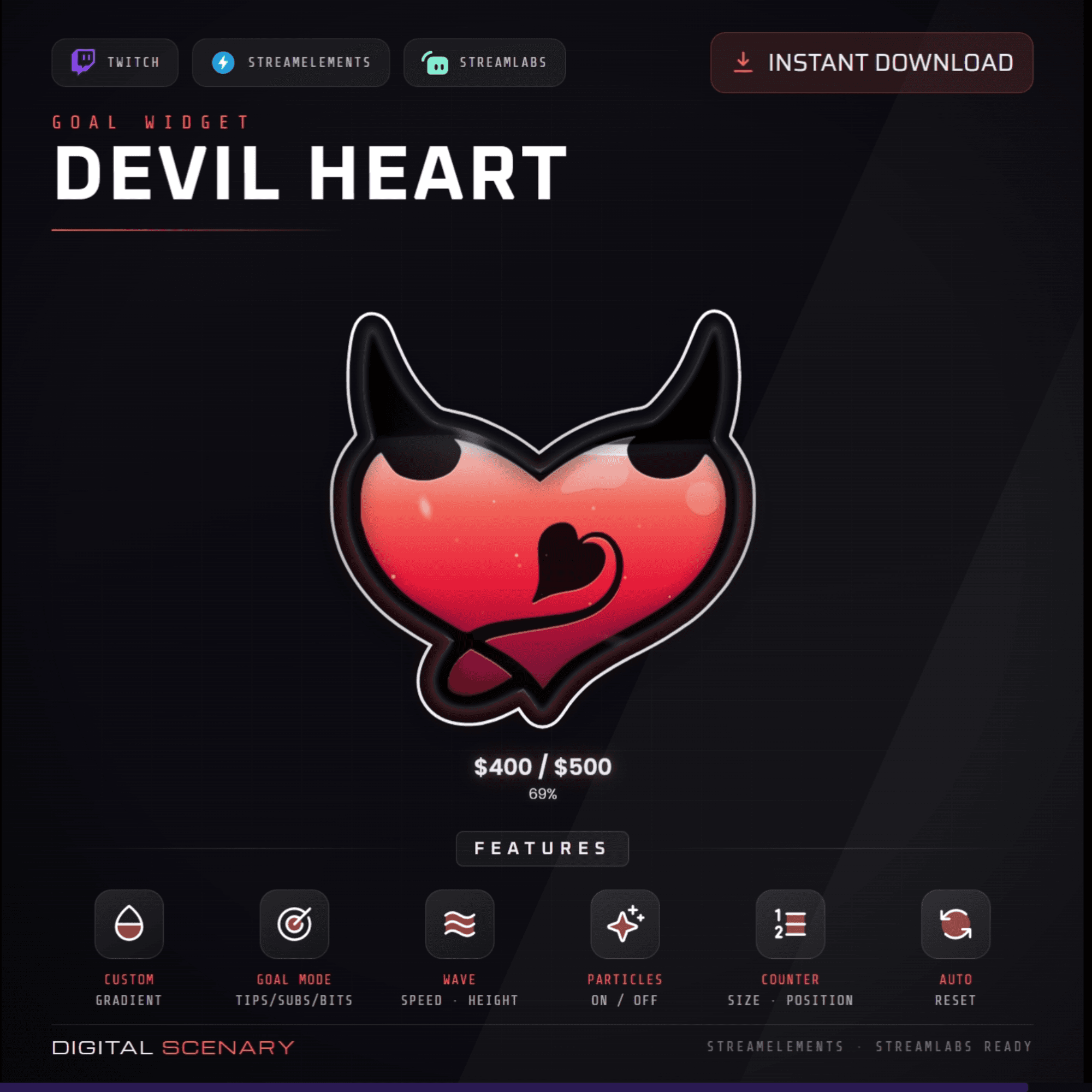 −16%
−16%
−16%Donation
Devil Heart Liquid Goal Widget for Twitch, Kick & YouTube
$4.39$5.20 on Etsy
Buy more, save more2 items −10%3 items −15%5+ items −25%
Buying once gets you the files, forever. A membership gets you this widget plus the rest as hosted OBS links you edit from a dashboard. Compare them.
Instant download
Lifetime updates
Live in 60 seconds
Works With
StreamElementsStreamlabsOBS Browser Source
What's Inside
- Custom gradient colors
- Three goal modes: tips, subs, bits
- Adjustable wave speed and height
- Toggleable floating particles
- Resizable, repositionable counter
- Auto-reset when goal is hit
liquid goal widget · donation goal bar · twitch goal overlay · streamelements goal · streamlabs widget · animated tip jar · halloween stream · spooky overlay · sub goal tracker · bits goal meter · kick stream goal · cute streamer decor · obs browser source
About This Pack
The Devil Heart Liquid Goal Widget is an animated donation tracker shaped like a devil heart that slowly fills as your Twitch, Kick, or YouTube goal grows. I designed it for streamers who want their goal bar to feel like part of the scene. Little horns and a curled tail give it just enough attitude.
Devil Heart Liquid Goal Widget is an animated donation tracker built around a single glowing heart with tiny devil horns and a curled tail. Choose from three goal modes — tips, subs, or bits — so the widget tracks whatever matters most for your stream. As pledges come in, a soft red-to-pink gradient rises inside the heart outline, and you control six settings: the gradient colors, the goal mode, wave speed and height, floating particles (on or off), the counter's size and position, and whether the goal resets automatically once it's reached. The counter itself sits below the heart, showing your current total against the goal so viewers always know how close you are. It runs as a browser source in OBS and drops straight into StreamElements or Streamlabs as a custom widget, so setup takes minutes, not hours. Once the file is yours, you can restyle the gradient anytime a new stream theme calls for it.
Setup is quick: unzip the file and add the browser source URL to OBS, or paste it into StreamElements or Streamlabs as a custom widget. Connect it to whichever event you're tracking — tips, subs, or bits. From there every dial is yours: recolor the gradient, slow the wave down for a calmer look, or turn particles off if your overlay already feels busy. Nothing here requires code.
This one's a good fit if your channel leans a little dark and moody, or if you just want a goal bar with some personality. It's a single download, and once it's on your drive it's yours to reuse for every future goal. Halloween month or any night you want a little devil in the corner.